Technology
Release Notes
Presidio
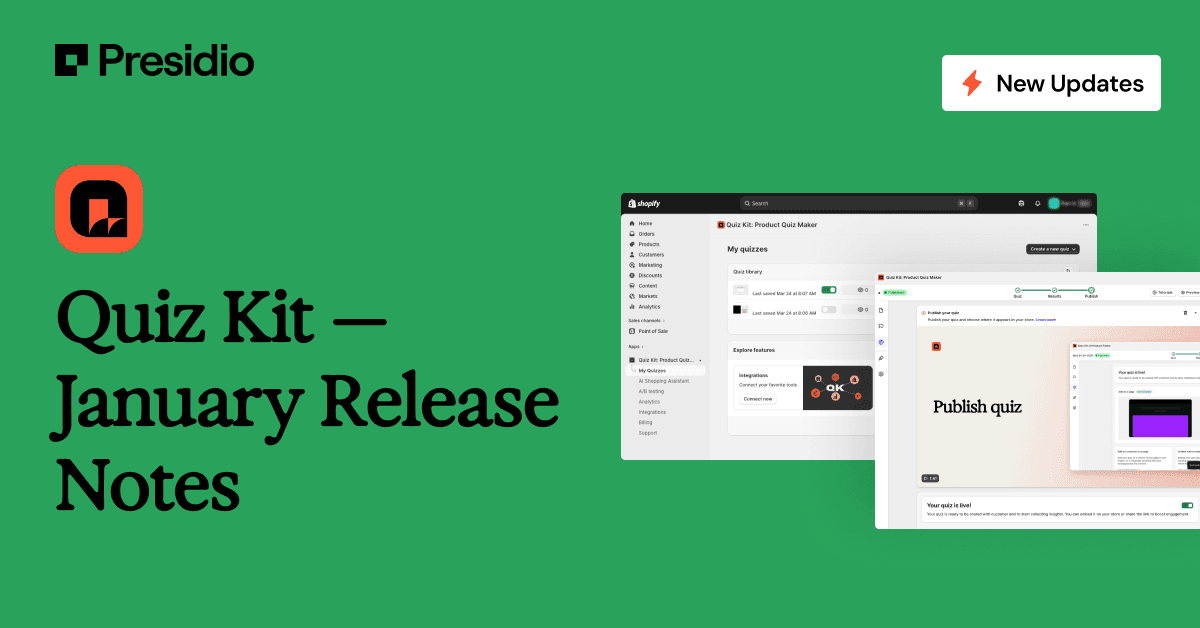
This update focused on improving reliability, refining the quiz-building experience, and resolving usability issues raised by customers.
Product Improvements Across the Quiz Kit Experience
Cleaner Admin Navigation
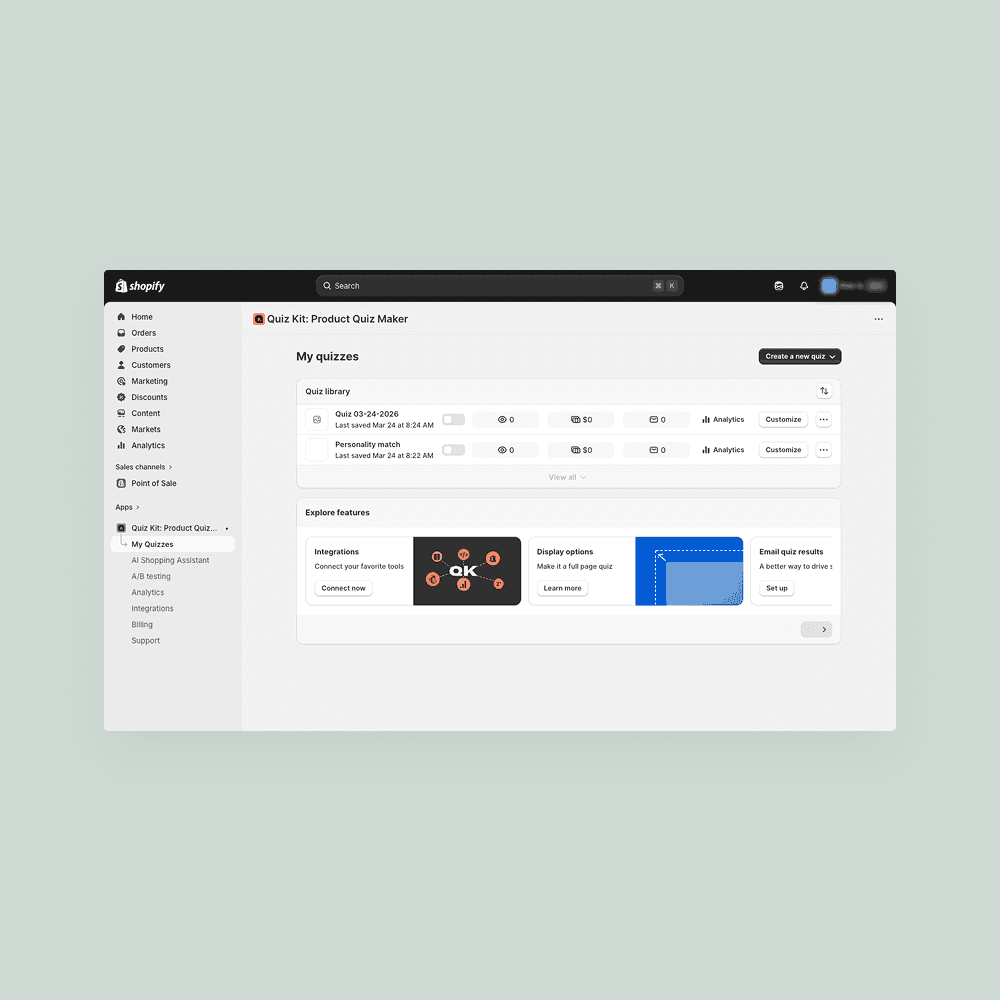
We refined the Quiz Kit admin interface to reduce clutter and make navigation easier for merchants using the app day to day. Less-used items were removed from the sidebar, and several layout issues were addressed to create a smoother, more intuitive workflow.
UI Styling That Better Matches Shopify
Quiz Kit now aligns more closely with Shopify’s native design system. Buttons and interface elements have been updated to feel more consistent with the Shopify admin, creating a more familiar experience for teams building and managing quizzes.
Improved Mobile Experience
We also fixed a range of mobile layout issues to ensure quizzes and editors display more reliably across screen sizes. As a result, content is now easier to access, review, and manage on mobile devices.
Quiz Builder and Editor Reliability
More Reliable Quiz Editing
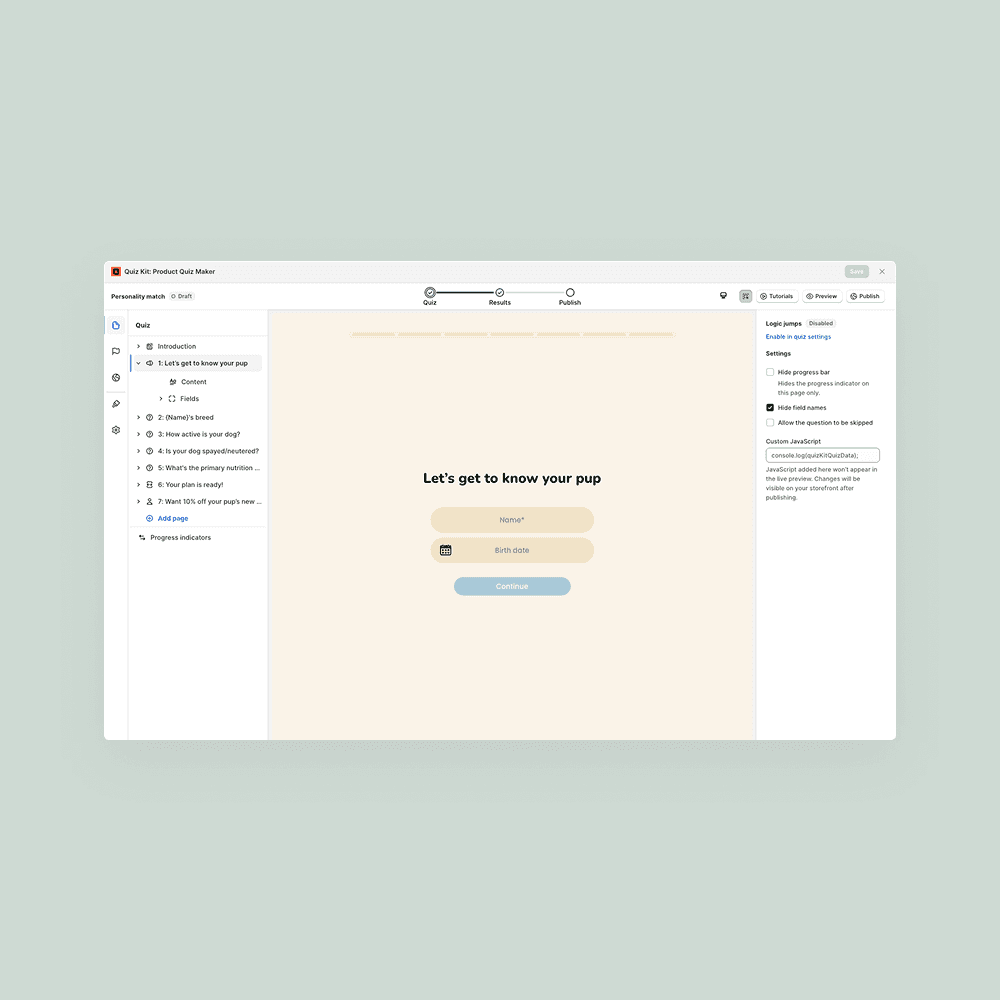
We fixed several issues that could cause the quiz editor to appear broken or prevent quizzes from saving correctly. Editing questions, results, and layouts is now more stable, making the overall quiz-building experience more predictable.
Improved Save and Discard Flows
We also addressed edge cases around saving and discarding changes, reducing the risk of lost work, inactive buttons, and interruptions during quiz creation.
Publishing and Display Improvements
More Reliable Quiz Publishing
We fixed issues that could prevent published quizzes, including pop-ups, from launching correctly. Quizzes should now display more reliably across supported placements.
Results and Email Layout Fixes
We also resolved scrolling and layout issues in the results page editor and email templates, making it easier to configure, preview, and manage quiz outcomes.
Additional Bug Fixes and Stability Improvements
This release also included a range of smaller fixes across the Quiz Kit experience. We resolved missing or inaccessible buttons during quiz setup, fixed text pasting and formatting issues in the editor, and addressed several UI problems that could interrupt quiz creation or editing.
Together, these updates improve overall stability and reflect the feedback we’ve received from customers using Quiz Kit day to day.
If you notice anything unexpected or have feedback on these changes, we’d love to hear from you. Thanks for helping us continue to improve Quiz Kit.
Technology
Release Notes